Los Angeles Lakers Jersey Number Missing? Verify Variants
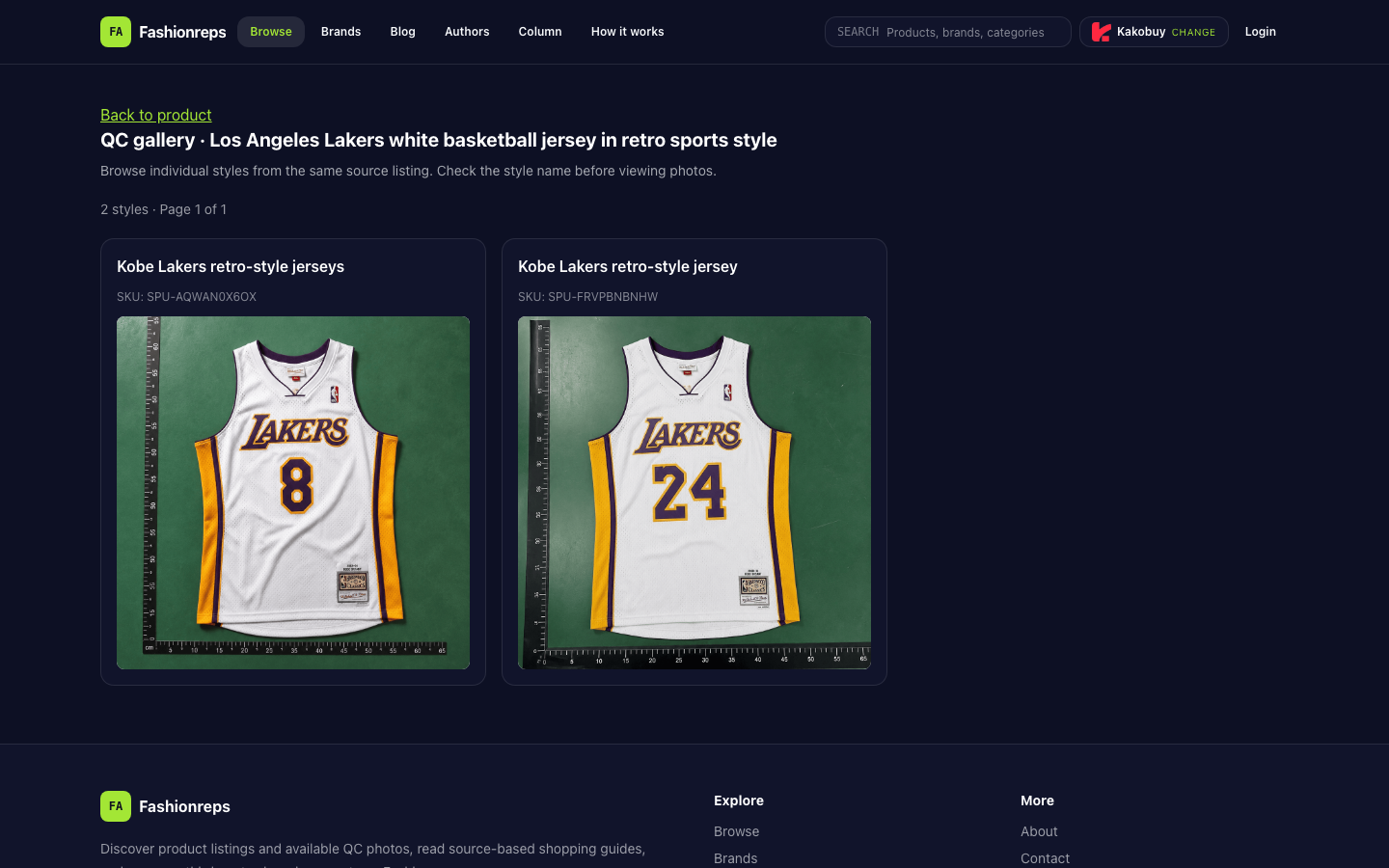
Daniel FosterEditor-in-ChiefPublished 4 November 2026First determine what kind of missing information you're dealing with If the jersey you're about to buy involves number or name customization, and the order summary doesn't show the corresponding fields, don't immediately assume it's a platform glitch, and don't immediately place a duplicate order. The currently verifiable product evidence only shows that the source page contains 2 styles, and lists style names such as Kobe Lakers retro-style jersey; the avai
First determine what kind of missing information you're dealing with
If the jersey you're about to buy involves number or name customization, and the order summary doesn't show the corresponding fields, don't immediately assume it's a platform glitch, and don't immediately place a duplicate order. The currently verifiable product evidence only shows that the source page contains 2 styles, and lists style names such as Kobe Lakers retro-style jersey; the available information cannot prove that the number and name options have been successfully transferred, nor can it prove that an actual error has occurred in a specific order.

You need to first distinguish between four scenarios:
- The product page doesn't provide number or name options, only displaying team, color, or style.
- The product page has customization options, but they are not retained after adding to cart.
- The cart retains the fields, but the order confirmation page omits the number or name.
- The order summary has the fields, but later QC images or warehouse records cannot be matched to the same item.
These four scenarios are handled differently. In particular, note that the absence of a field in the order summary does not necessarily mean the warehouse actually received a product without customization information, but until confirmed, it cannot be treated as having been correctly transmitted.
Save complete product evidence before placing the order
First, record the following on the product page:
- The original product page URL and access time.
- Team name, style name, color, and size.
- The original input for number, name, or other customization options.
- A screenshot of the page after selecting these fields.
- The SKU, variant name, or other identifiable number generated by the product page, if displayed.
Don't save just one product main image. The current source page clearly shows 2 styles under the same source listing, so you must first confirm the selected style name before continuing verification, to avoid mistaking other variants on the same page for the target product.
If the page doesn't have a number or name input field, don't assume you can complete customization through notes, chat, or other fields. You should first confirm with order support the acceptable input location and format.
Check step by step along the order chain
1. Check the cart
After adding the product to the cart, expand the product details to confirm the team, style, color, size, and number or name are still present. If the cart only shows a generic product name without any customization fields, pause checkout and save a screenshot.
2. Check the order confirmation page
On the order confirmation page before submitting, compare each item against the cart and product page records. The key is not whether the page shows "selected," but whether the specific number and name text exactly match the original input, including capitalization, spaces, and number order.
If the order confirmation page only shows the product name or SKU without number, name, or note content, you cannot treat the cart screenshot as proof that the order has been saved. In this case, stop submitting and contact order support to confirm whether the fields will be transferred with the order.
3. Check the order summary
After the order is generated, check the order details or summary to confirm that the customization information is bound to the correct product line, not appearing in a general note for the entire order. When purchasing multiple items, also confirm the number or name hasn't been mismatched to another product.
Record the order number, product line name, SKU, customization fields, and page time. If the order summary omits fields, don't create a duplicate order, as duplicate orders may cause double purchases or later reconciliation difficulties.
4. Check the QC entry and warehouse records
Only after the order enters later processing stages should you check the corresponding QC entry or warehouse records. First verify the order number, product line, and style, then determine whether the jersey in the image matches the target variant.
If the QC image doesn't clearly show the number or name, or the image gallery can't be linked to a specific order, don't confirm correctness based solely on color and team logo. A photo can only prove what is shown in the frame, not automatically prove that customization fields not shown were correctly transmitted.
What to submit to official support when you find missing fields
Prioritize using the order support entry, order message entry, or official customer service channels provided in the current purchase flow. When submitting, provide all of the following at once:
- The original product page URL.
- Order number or cart number.
- Target style, color, and size.
- The exact number or name input.
- Screenshots of the product page, cart, order summary, and QC page.
- The page time for each screenshot, and where you believe the field disappeared.
The problem description should directly ask two things: whether the customization field has been written into the order, and how the warehouse or QC process will associate that field with the target product. Don't just ask "Can it be customized?" because that doesn't confirm the actual status of the current order.
Pause payment or shipment until these conditions are met
If any of the following occurs, pause the next step:
- The product page has number or name options, but the cart doesn't retain them.
- The cart has fields, but the order confirmation page or order summary doesn't show them.
- The number or name doesn't match the original input.
- You cannot confirm which product line the customization fields belong to among multiple styles or items.
- QC images don't show the necessary fields, and support staff have not confirmed the records are retained.
- You can only see a reference price on the page and cannot confirm the final product amount, service fees, shipping, or other charges.
Until you receive a clear response, don't resubmit the order, don't ship, and don't treat the style names listed on the source page as evidence that the number or name has been written into the order. The available evidence only supports verifying the product page and QC page, and cannot prove that a specific order's customization fields have been successfully transmitted.
About Daniel Foster
Kakobuy and Yupoo agent workflows, replica-apparel quality control, and cross-border shipping logistics.
Daniel Foster is Editor-in-Chief of Kakobuy Yupoo Review, overseeing all reviews and maintaining the testing standards. Coverage includes Kakobuy and Yupoo agent workflows, replica-apparel quality control and cross-border shipping, with both garment use and agent response included in reviews. Daniel wears every apparel item for at least three days before scoring and photographs all tags, stitching and hardware. Agent response times are recorded to the minute, allowing the article to describe both the physical checks and the waiting time within the service process.