vetements Size Won't Save in Cart? Fix by Variant Status
Daniel FosterEditor-in-ChiefPublished 2 November 2026First, Determine Which Issue You're Facing If the vetements product page shows the size you want, but after adding to cart the size field is empty, reverts to another option, or you can't confirm the original size when reopening the cart, don't proceed to payment right away. This only means the variant status between the product page and cart hasn't been confirmed and retained by your current process. You can't conclude from this alone that the item
First, Determine Which Issue You're Facing
If the vetements product page shows the size you want, but after adding to cart the size field is empty, reverts to another option, or you can't confirm the original size when reopening the cart, don't proceed to payment right away. This only means the variant status between the product page and cart hasn't been confirmed and retained by your current process. You can't conclude from this alone that the item is out of stock, the size is unavailable, or the platform has a system failure.
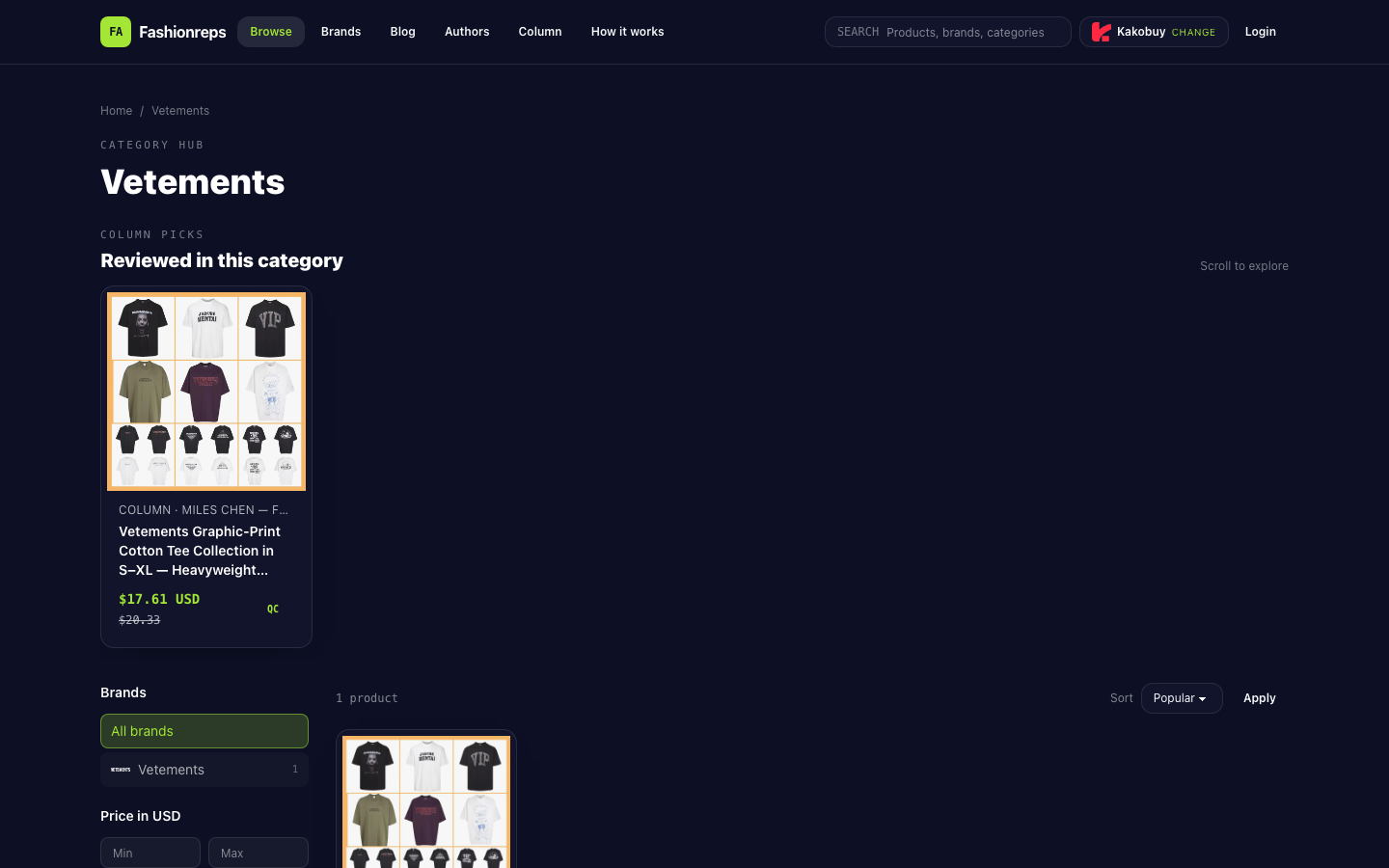
The Vetements category page on Fashionreps currently displays a graphic print cotton T-shirt collection, with page text indicating a size range of S–XL and a reference price of $17.61. This only proves that the category page has this listing and its public labeling; it cannot replace real-time field verification on the specific product page and in the cart.

Step 1: Record the Product and Target Variant
Before re-operating, save the following information:
- The full product name or page identifier shown on the product page
- Target size, such as S, M, L, or XL
- Target color, style, or other variant fields
- Price and availability status shown on the product page
- Time when the issue occurred
Don't just note shorthand like "black size M." If the page has multiple prints, colors, or fits, you must record all selected fields together, otherwise later you won't be able to tell whether the size wasn't saved or the entire variant combination wasn't saved.
Step 2: Re-select the Complete Variant on the Product Page
Return to the product page and re-select according to the page's actual display order:
- First select color, print, or style.
- Then select the target size.
- Wait for the page to finish updating option states.
- Check if the size button remains selected.
- Before adding to cart, confirm no prompts about unselected variants, unavailable options, or other messages appear.
If selecting a size causes the page to refresh automatically and the selection disappears, take a screenshot of the page state first; don't repeatedly click "Add to Cart." Consecutive clicks may create multiple indistinguishable cart entries and make later diagnosis harder.
Step 3: Compare Cart Fields
After adding to cart, open the corresponding item in the cart and compare field by field with the product page record:
- Whether the product name matches
- Whether the color or style matches
- Whether the size field clearly shows the target size
- Whether the quantity is as expected
- Whether the price matches the page price you recorded
If the cart only shows the product name without the size field, don't interpret that as the size being retained. Check for options to expand product details, edit variant, or return to the product page. If the page lacks clear fields, record "size not shown in cart" as an unconfirmed state.
Step 4: Rule Out Page State Issues
Before making a single retry, perform these low-risk checks:
- Reopen the product page instead of continuing with a page left open for too long.
- Confirm you're still logged in; if login status changed, note the change before re-operating.
- Check if multiple tabs of the same product are open; avoid selecting size on an old tab and adding to cart on a new one.
- Clear any invalid selections on the page, then select the full variant again.
- Check for duplicate items in the cart to avoid mistaking an old entry for this attempt's result.
These steps only help distinguish page state issues from field saving issues; they don't prove the platform has a fixed size sync defect.
Do One Documented Retry
After completing the above records, retry the full process once: reopen the product page, select the complete variant, confirm the size is selected, add to cart, and verify fields. Save screenshots or text notes at these points:
- When the target size is selected on the product page.
- Before clicking "Add to Cart."
- Just after the cart displays the item.
- After expanding or editing the cart item.
If this retry still doesn't confirm the target size, stop clicking, refreshing, or adding again. Repeated retries provide no new evidence and may cause multiple cart entries or mixed variant records.
When to Contact Official Channels
If any of the following occur, submit your records and screenshots to the platform's official customer service or support channels:
- Product page clearly shows the target size, but the cart never displays or saves that size.
- After selecting a size, the page automatically reverts to unselected state.
- During the same operation, the cart's color, style, or price also changes.
- After reopening the product page, the original variant combination can't be found again.
- The cart shows multiple identical items, but you can't confirm the size for each entry.
When seeking help, specify the product page, target variant, operation time, retry count, and actual field changes. Don't just say "size issue," and don't treat the category page's S–XL range as stock confirmed by customer service.
Conditions to Stop Payment
Do not proceed to payment until the following information is clearly confirmed in the cart or order draft:
- Target size is clearly displayed.
- Color, style, or other variants match the product page record.
- The item's identity in the cart matches the reopened product page.
- Price or quantity changes are unexplained.
- The page asks you to submit without confirming the variant.
Currently verifiable sources only support the product name, public size range, and reference price on the Vetements category page. They cannot prove the sync result from a specific product page to the cart, nor prove stock, shipping, or order availability. Therefore, until the target size appears in a verifiable cart or order field, treat it as unconfirmed and pause payment.
About Daniel Foster
Kakobuy and Yupoo agent workflows, replica-apparel quality control, and cross-border shipping logistics.
Daniel Foster is Editor-in-Chief of Kakobuy Yupoo Review, overseeing all reviews and maintaining the testing standards. Coverage includes Kakobuy and Yupoo agent workflows, replica-apparel quality control and cross-border shipping, with both garment use and agent response included in reviews. Daniel wears every apparel item for at least three days before scoring and photographs all tags, stitching and hardware. Agent response times are recorded to the minute, allowing the article to describe both the physical checks and the waiting time within the service process.