Vans Link and Cart Variant Mismatch Fix
Daniel FosterEditor-in-ChiefPublished 29 October 2026If after submitting a Vans product link from fashionreps, the color, size, product name, or image in your cart doesn't match the original page, don't pay yet. This alone doesn't prove the site or shopping agent is broken, but it does mean the link and cart record haven't been correctly matched yet. 
If after submitting a Vans product link from fashionreps, the color, size, product name, or image in your cart doesn't match the original page, don't pay yet. This alone doesn't prove the site or shopping agent is broken, but it does mean the link and cart record haven't been correctly matched yet.
Record the Original Product Info First
Open the Vans product page on fashionreps and save the following:
- The full product title, including any spelling variations that may appear on the page;
- The original product link;
- The color or style name shown on the page;
- The size you need;
- The main product image and variant images;
- The date and time you viewed the page.
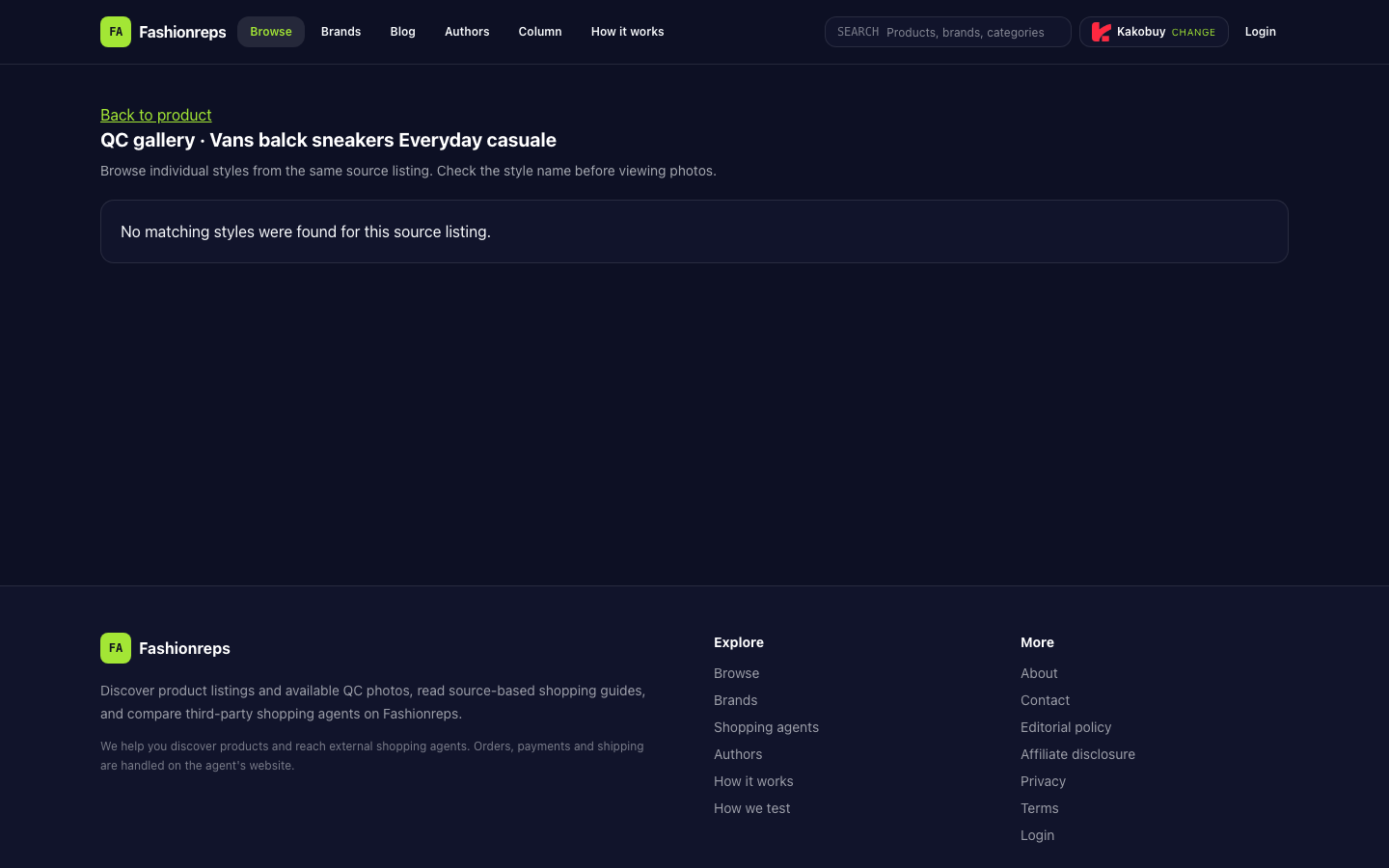
The page title currently verifiable is "Vans balck sneakers Everyday casuale". This is a QC photos page, and it hints that you can browse different styles from the same source; however, the page shows no matching styles found. This result only means the current QC page has no matching style; it doesn't imply the product is sold out, the link is dead, or the shopping agent can't purchase it.
Compare with Your Cart in Order
Compare the cart record after submitting the link item by item with the original page, not just by whether the thumbnails look similar.
1. Check If the Link Still Points to the Same Product
Reopen the product link in your cart and confirm the page title, product image, and source page still correspond to the Vans product. If the link redirects to search results, a different style, or an error page, save the redirected page info and don't proceed with the order.
2. Verify Color or Style
Compare the original page's recorded color, style name, and cart options. Similar names don't mean the same variant; pay attention to spelling differences, abbreviations, default options, and the first product auto-selected on the page.
3. Verify Size
Confirm the size in the cart matches the size you selected when submitting. If the original page uses numeric, letter, or regional sizing, don't convert without corresponding instructions. If no exact option is found, pause and contact the shopping agent.
4. Check Price Display
Record prices on both the original page and in the cart, but don't infer stock, shipping, or final order amount from price differences. The current evidence doesn't include price, stock, or shipping info for this product, so these items can't be confirmed in this article.
5. Compare Images and Product Name
Images can help spot obvious mismatches like different upper color, sole style, or packaging, but similar images alone don't prove variant consistency. Check images, title, color, and size together.
Use Simple Records to Avoid Repeated Submissions
Keep a brief local record with at least these fields:
- Original page title;
- Original link;
- Original page color and size;
- Cart product title;
- Cart color and size;
- Whether images match;
- Time discrepancy noticed;
- Whether payment has been paused.
The purpose is to describe the same specific issue to the shopping agent, not repeatedly submit the same link creating multiple pending entries.
When to Stop
If any of the following occurs, don't pay or modify the order further:
- The link no longer shows the original Vans product after redirect;
- The cart auto-selected a color or size you can't confirm;
- The product image or title is clearly inconsistent between the original page and cart;
- The page shows no matching style, but you can't confirm if it's just a missing record on the QC page;
- The cart fields can't be matched item by item with the original page;
- You can't confirm price, stock, or subsequent order content.
Stopping doesn't necessarily mean the product can't be purchased; it avoids irreversible payment or purchase records before product identity and variant are confirmed.
Ask via the Official Channel of Your Chosen Shopping Agent
The fashionreps page shows that products redirect to an external shopping agent selected by the user, and orders, payments, and shipping are handled by the agent's site. So when links or cart fields mismatch, contact the official customer service or order support of the shopping agent you actually chose, not treat fashionreps as the order processor.
Provide the following to customer service for easier verification:
- Original product link;
- fashionreps page title;
- Original page color and size;
- Product name, color, and size shown in cart;
- Screenshots or page records before and after redirect;
- Make clear you want to confirm if the product variant matches, not ask them to choose another style for you.
Don't assume the cart is correctly mapped based on thumbnails, similar titles, or default options until you get a clear answer.
Conclusion
When Vans link leads to cart info mismatch, the safest order is: save original page fields, then check link, color, size, price display, and images, and finally confirm through the official support channel of the actual shopping agent. Current page evidence only confirms no matching style on the QC page; it doesn't prove the product is delisted, sold out, link dead, or agent malfunction. As long as key variants can't be aligned, pause payment.
About Daniel Foster
Kakobuy and Yupoo agent workflows, replica-apparel quality control, and cross-border shipping logistics.
Daniel Foster is Editor-in-Chief of Kakobuy Yupoo Review, overseeing all reviews and maintaining the testing standards. Coverage includes Kakobuy and Yupoo agent workflows, replica-apparel quality control and cross-border shipping, with both garment use and agent response included in reviews. Daniel wears every apparel item for at least three days before scoring and photographs all tags, stitching and hardware. Agent response times are recorded to the minute, allowing the article to describe both the physical checks and the waiting time within the service process.