Gucci Size Options Vanish: Check Before Ordering
Daniel FosterEditor-in-ChiefPublished 22 October 2026Introduction When browsing products on fashionreps, the detail page may display multiple specs, but after redirecting to the selected shopping agent or product page, the size options are nowhere to be seen. This does not necessarily mean the product is out of stock; it could be that page parameters were not fully carried over, you landed on a different product, options are collapsed, or the agent page has not synced all variants yet. This article addresses one specif
Introduction
When browsing products on fashionreps, the detail page may display multiple specs, but after redirecting to the selected shopping agent or product page, the size options are nowhere to be seen. This does not necessarily mean the product is out of stock; it could be that page parameters were not fully carried over, you landed on a different product, options are collapsed, or the agent page has not synced all variants yet.
This article addresses one specific issue: Gucci product size or length options disappearing after a redirect. The goal is to help you confirm whether the page, product, and variant match before payment; if evidence is insufficient, stop submitting the order.

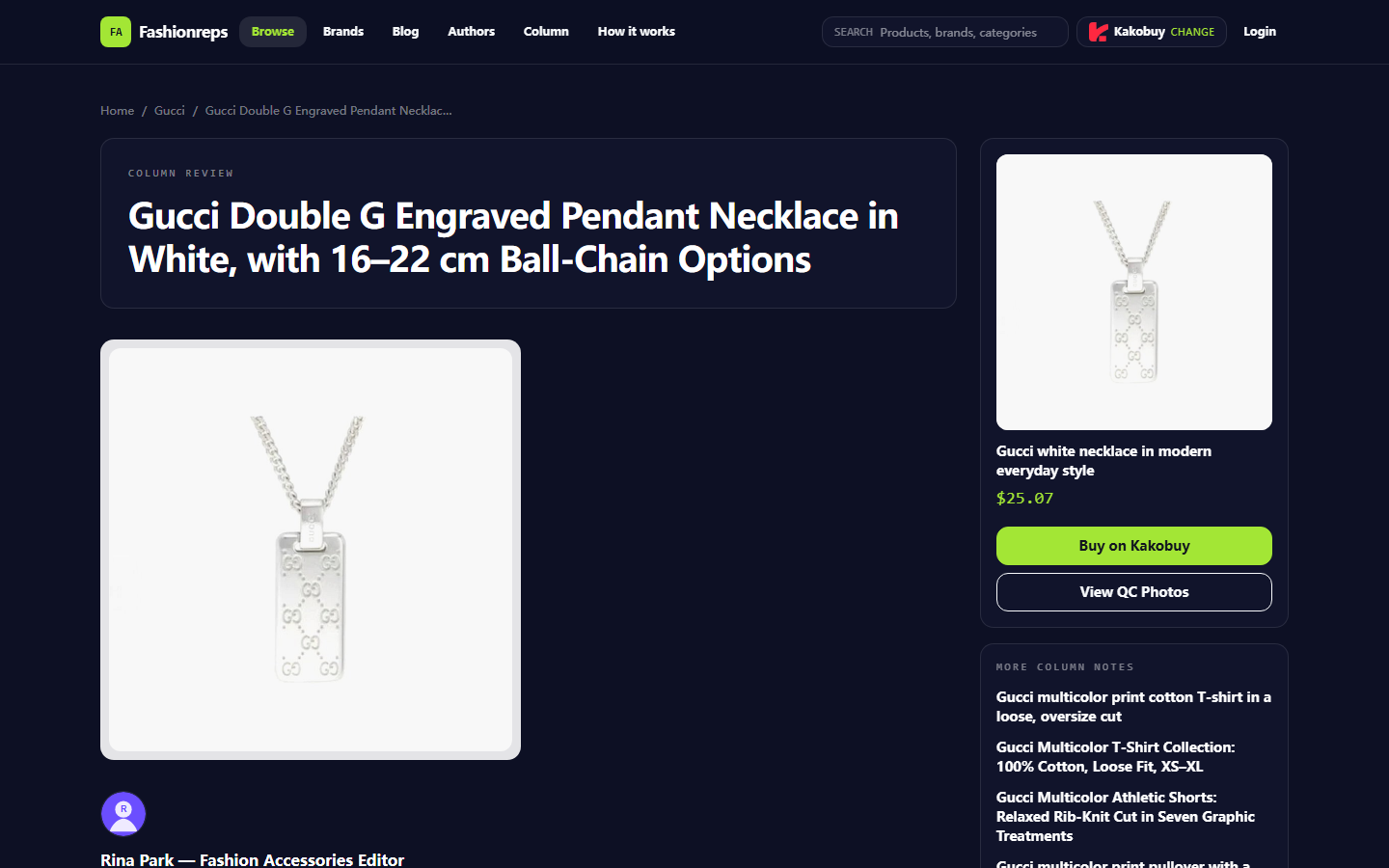
The page record in the image shows that the product page lists 16, 18, 20, and 22 cm lengths. The page also indicates that specific measurement methods still need to be confirmed with the seller, so these numbers cannot be directly taken as a guarantee of wearing drop length or usable length.
Clarify the Differences Between the Gucci Detail Page and the Redirected Page
fashionreps' product pages and shopping agent pages serve different functions. The product page mainly provides catalog information, spec prompts, and purchase entry; after clicking to buy, the page will take the user to the selected shopping agent. Whether the agent page displays the same colors, sizes, or lengths depends on redirect parameters, seller product data, and the agent-side page structure.
Therefore, you cannot conclude that the product no longer has a certain spec just because a dropdown is missing after redirect. Conversely, you cannot assume that the agent page necessarily retains those options just because the original detail page showed them.
First check the following four items:
- Does the product name still contain the same Gucci style description?
- Are the seller's product images or thumbnails consistent with the original detail page?
- Is the number of variants on the product page the same as on the original page?
- Has the current page entered the cart, checkout, or payment steps?
If the product name, images, and specs change simultaneously, exit the current page first and do not continue filling in shipping address or payment information. 🔎
Save Evidence of Product Title, Specs, and Page Link
Before reopening the page or switching shopping agents, save information that can prove the product's identity first. It is recommended to record:
- The complete product title displayed on the original detail page.
- All color, size, or length options listed on the page.
- The product main image, style detail images, and product number on the page, if provided.
- The name of the shopping agent selected before clicking to buy.
- The product title, images, spec area, and page status after the redirect.
- The price displayed on the page and whether the price is noted as needing reconfirmation on the agent side.
Don't just save the browser address bar. The address may contain session parameters and may become invalid after reopening. More reliable evidence is a complete screenshot plus the recording time, and ensure the screenshot does not contain order numbers, phone numbers, addresses, payment information, or other personal data. 🧾
If the page automatically enters the cart after redirect, do not submit the order yet. Return to the product detail page, reconfirm the current shopping agent and product name, and then decide whether to continue.
Check Whether Colors, Size Chart, and Variant Parameters Are Still Consistent
When comparing the original detail page and the redirected page, prioritize checking the variants themselves, not just the title. You can use the following check sequence:
| Check item | Content to record on original detail page | Result to confirm after redirect |
|---|---|---|
| Product identity | Gucci style name, main image, detail images | Name and visual features remain consistent |
| Variant name | E.g., 16, 18, 20, 22 cm | Same options still selectable, or clear explanation provided |
| Color | Color or tone marked on the page | Current options are not replaced by default |
| Size meaning | Length, size, or measurement point | Does the seller explain measurement method |
| Purchase status | Purchase entry on detail page | Agent page does not automatically submit order |
For necklaces or accessories, numbers like 16–22 cm especially need confirmation of measurement points. It may represent the total chain length or a certain partial dimension; if the page does not explain, you cannot infer actual wearing effect from the numbers. You should also ask about the pendant size itself, because pendant size affects visual drop length.
If the redirected page has only one default spec but does not clearly state whether other specs are selectable, do not use the note field to request an unlisted size on your own. First confirm whether that variant actually exists, then decide whether to keep it as a candidate. 📏
Distinguish Between Page Display Anomalies and Missing Variants of the Target Product
You can determine the scope of the problem through a controlled reload, but do not repeatedly click to buy or add to cart. It is recommended to operate in the following order:
- Close the current cart or checkout page.
- Reopen the original detail page and confirm that the spec list still exists.
- Record the name of the currently selected shopping agent.
- Perform only one redirect and wait for the page to fully load.
- Check whether the spec area is collapsed, hidden behind color selection, or requires selecting a primary variant first.
- Use an incognito window or log out to see if the page structure remains the same, but do not submit orders in multiple windows simultaneously.
- Compare product title, images, seller information, and spec parameters.
If only one page temporarily does not display the spec and it recovers after refresh, it may be a loading or page display issue. In this case, you should still reselect the target variant before payment and confirm the spec text in the cart.
If both the original detail page and the agent page no longer display the target size, or the product images, title, and seller information on the page are already inconsistent, it is more like a missing variant or product data change. Do not fill in the size from memory, and do not ask the agent to guess the spec in the note.
Avoid Duplicate Order Submissions When Reopening Pages
When rechecking, the biggest risk is not missing a spec check, but repeatedly creating cart items or orders. To avoid duplicate operations:
- Keep only one current verification window at a time.
- Do not continuously click the buy button to test whether the page recovers.
- When you find existing cart items, check their product title, variant, and quantity first.
- Do not immediately reorder just because the spec disappeared.
- Before payment, confirm that there is only one target product and correct quantity in the cart.
- If the agent page has generated a pending payment order, pause and use the agent's official order support channel to confirm the status.
The page showing a cart does not mean the order has been successfully submitted; the page showing pending payment does not mean the spec has been confirmed by the seller. Only when the product name, variant, and quantity in the order are clear and the agent side explicitly accepts the spec is it appropriate to proceed to the next step.
Key Information to Confirm with Official Support
If the spec still disappears, submit the minimum but sufficient information through the official support or order inquiry channel provided on the current shopping agent page:
- Complete product title from the fashionreps detail page.
- Product title displayed on the agent page after redirect.
- The specific missing size or length, e.g., 18 cm.
- Screenshots of the original detail page and the redirected page.
- Whether it has been added to cart or generated a pending payment order.
- Whether you want to confirm if the variant exists, if the page is synced, or if the current order contains the correct spec.
Do not submit complete shipping address, passport, payment card information, login password, or unnecessary personal data. Screenshots only need to retain product identity, spec area, and page status.
When confirming with support, the question should be specific to one variant. For example, "Please confirm whether this product is still available in the 18 cm version, and whether the current cart records it as 18 cm" is more likely to get a verifiable answer than "Why is the size missing?"
Conditions to Stop Purchasing When Evidence Is Insufficient
Stop payment or stop submitting the order if any of the following occurs:
- The product title after redirect cannot be matched with the original detail page.
- Key images, colors, or styles are obviously different.
- The target size has no verifiable record on either the original page or the agent page.
- You can only request an unlisted variant from the seller through notes.
- The cart does not clearly show the size, length, or color.
- Different products or different specs appear on multiple windows.
- Official support has not confirmed the variant, but the page already requires payment.
- Price, service fee, international shipping, or other charges have not been confirmed on the agent side.
Stopping the purchase does not mean the product is definitely problematic; it means the current evidence is insufficient to prove you will receive the desired variant. Keep screenshots, titles, and verification time, and wait for the page to recover or official support to confirm before deciding.
Final Action: Decide Whether to Keep the Candidate Based on Verification Results
If the product identity on the original detail page and the redirected page is consistent, the target size is still selectable, and the cart accurately records the variant, you can keep this candidate; before payment, still confirm the final price, service fee, international shipping, and applicable after-sales conditions displayed on the agent side.
If only the page display is abnormal, but official support confirms the variant exists, you can wait for the page to recover and then recheck the cart to avoid duplicate orders.
If the size cannot be confirmed, the product identity is inconsistent, or you need to rely on the seller's verbal promise to continue, it is recommended to abandon the current candidate and look for products with more complete spec information.
This verification may take you a few extra minutes, or temporarily lose a candidate whose price or stock may change; what it buys is reduced risk of buying the wrong size, duplicate orders, and receiving a mismatched product. It is suitable for buyers who value specific variants, need to keep verification evidence, or are preparing to order through a shopping agent. It is not suitable for those who pursue fast payment under insufficient evidence.
Article Images

About Daniel Foster
Kakobuy and Yupoo agent workflows, replica-apparel quality control, and cross-border shipping logistics.
Daniel Foster is Editor-in-Chief of Kakobuy Yupoo Review, overseeing all reviews and maintaining the testing standards. Coverage includes Kakobuy and Yupoo agent workflows, replica-apparel quality control and cross-border shipping, with both garment use and agent response included in reviews. Daniel wears every apparel item for at least three days before scoring and photographs all tags, stitching and hardware. Agent response times are recorded to the minute, allowing the article to describe both the physical checks and the waiting time within the service process.