Golden Goose Sneaker Deals: Verify Size and Checkout Total
Daniel FosterEditor-in-ChiefPublished 6 November 2026This Golden Goose Super-Star navy blue sneaker deal can't be verified just by looking at the price on the product page or the promo entry. What you actually need to confirm is: whether the selected color and size are included in the offer, and whether the discount still app

This Golden Goose Super-Star navy blue sneaker deal can't be verified just by looking at the price on the product page or the promo entry. What you actually need to confirm is: whether the selected color and size are included in the offer, and whether the discount still applies once you reach checkout. The current information only supports checking the product page and price fields; it can't be used to confirm real-time discounts, stock, shipping, or the final amount due.
First confirm it's the same product variant
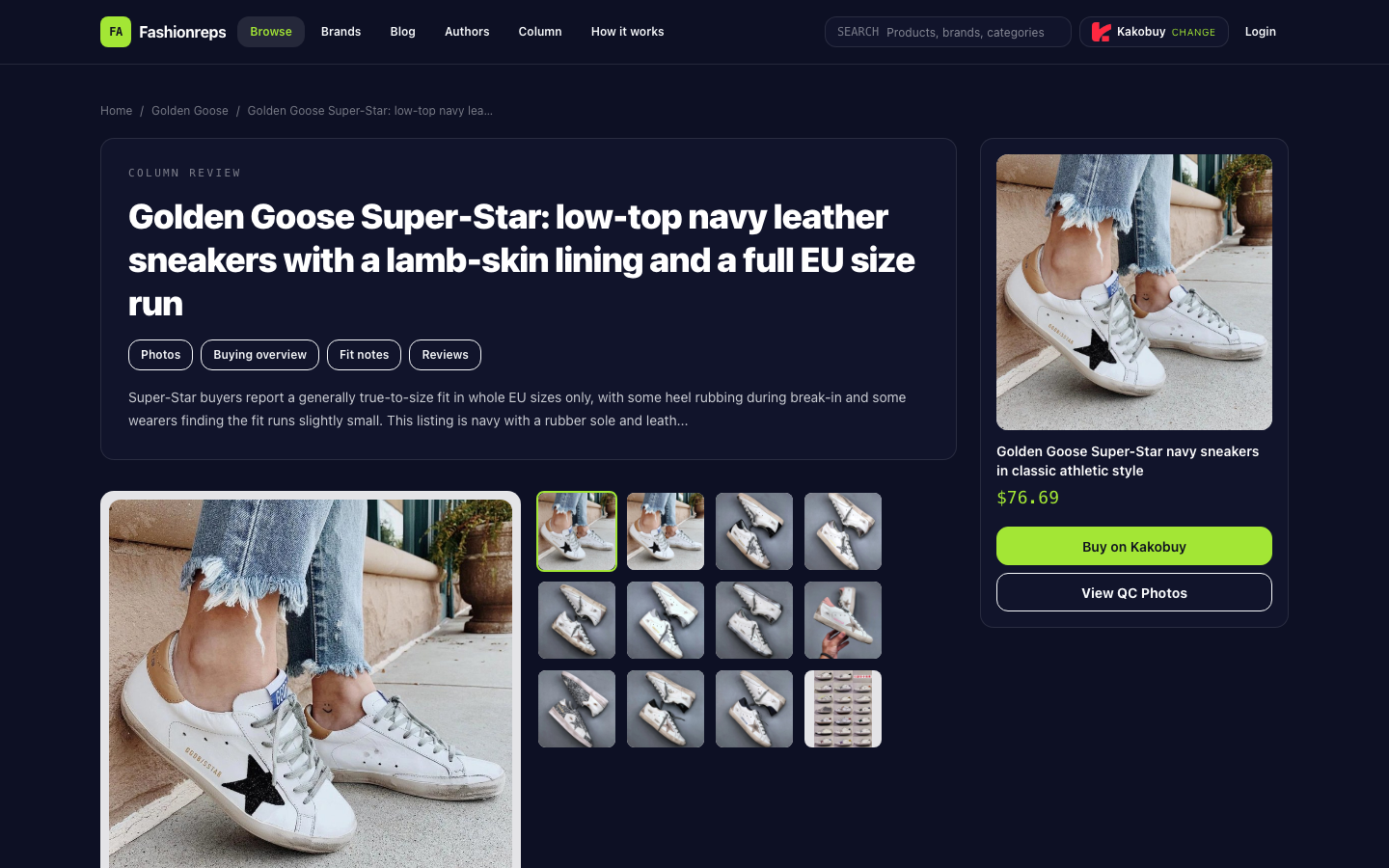
The verified page corresponds to a low-top lace-up sneaker. The page lists a navy blue colorway, leather upper, sheepskin lining, natural rubber outsole, and Phylon midsole. The displayed size range is EU 36–45, offered in whole sizes only; the page also separately lists women's and men's EU 40.
Size variant affects deal verification. Don't see a discount on the product page and then switch sizes before paying without checking. First, record the following:
- Colorway: Navy blue
- Style: Super-Star low-top lace-up sneaker
- Size: Clearly note the EU numeric size
- Product link: Confirm it still opens and the page content matches the target item
- Deal entry: Note whether the offer is a product page price, promo code, campaign label, or a checkout reduction on the proxy platform
The page data shows that the link opens fine during verification, but that doesn't mean stock is still sufficient, nor that every size is available for purchase.
Price fields can't be taken directly as the discount amount
The source page recorded a reference price of $76.69 and also showed a product price field of $82.96. The page also states that service fees and international shipping need to be confirmed on shopping proxy platforms like Kakobuy. Therefore, you can't simply subtract these two numbers and treat the difference as a confirmed saving, nor can you guarantee that the checkout page will use either price.
| Checkout item | What can be confirmed now | What to verify before paying |
|---|---|---|
| Product price | Page recorded reference price $76.69 and also shows a product price field of $82.96 | Actual product price shown after selecting the size |
| Product discount | Current data has no real-time promo code, discount percentage, or evidence of applicable sizes | Whether the offer covers the current colorway and size |
| Service fee | Needs to be confirmed on the proxy checkout page | Whether it's charged per item, order, or payment method |
| Packaging fee | Current data does not provide a specific amount | Whether it's already added to the order or an optional service |
| International shipping | Current data does not provide a specific amount | Cost based on package weight, route, and shipping method |
| Exchange rate | Current data does not provide the checkout exchange rate | The rate, currency, and final charge amount used on the page |
Use size variants to test the offer boundary
Buyers of this shoe generally find the sizing close to normal, but only whole sizes are offered. The data also notes differences among wearers: some think the shoe runs slightly small, while others find it loose with socks; those in between sizes usually need to size up. Among wide-foot wearers, EU 38 is wearable, but EU 39 is more comfortable, and they kept EU 39.
Therefore, offer verification should center on the specific size you intend to buy, not just test the default size on the page. Follow this order:
- Select the target colorway and exact EU size.
- Record the price, promo label, or promo code entry shown on the product page at that moment.
- Add that variant to the proxy cart; don't switch sizes without recording.
- Check that the cart's product price corresponds to the selected variant.
- If you change to another size, record the price and offer status again.
- Only mark the offer as "possibly applicable" if it still shows for the target size; don't mark it as saved prematurely.
If the page only shows a promotion for a certain default size, or the promo label disappears after switching sizes, treat it as unconfirmed and ask the proxy platform's customer service whether the promotion covers the target size.
After reaching checkout, check total cost separately
The checkout page should be reviewed in at least six parts: product price, product discount, service fee, payment fee, packaging fee, and international shipping. If the platform charges in a currency other than USD, also record the exchange rate or the converted amount separately.
It's recommended to keep a simple verification record:
- Selected size and colorway
- Product original price or current product price
- Offer name, promo code, or page notice
- Discounted amount
- Service fee
- Payment fee
- Packaging fee
- International shipping
- Currency and exchange rate used
- Total amount due shown on the checkout page
A lower product price doesn't necessarily mean a lower total order cost. Service fees, packaging, payment fees, and international shipping may appear only in later steps. Current data lacks real-time values for these fees, so you can't calculate a definite post-discount total or claim a specific saving amount.
Pause payment when there's no real-time offer evidence
If the product page only has price fields and no clear statement of the campaign name, applicable sizes, thresholds, exclusions, validity period, or stacking rules, don't treat it as a verified offer. Be especially wary of the following:
- The offer applies only to certain colors or sizes
- The promo price shows only on the product page, but the cart reverts to the original price
- The promo code requires a minimum order amount
- The offer can't be combined with service fees or other promotions
- The campaign has expired, but the page cache still shows the old notice
- The product discount appears at checkout, but the final total increases due to added fees
A safer approach is to screenshot or record the product page and checkout page for the target size, and confirm the offer's terms with the proxy platform; pause payment if customer service hasn't confirmed, the checkout details are incomplete, or the amounts don't match.
Conclusion
The page data for this Golden Goose Super-Star navy blue sneaker is enough for a preliminary check of the product variant and price fields, but not enough to confirm whether the current size qualifies for a real-time discount, nor to calculate the final savings after including service fees, packaging, international shipping, and exchange rates. The verification focus should be on the target EU size: first record that size's product price and offer status, then check each fee item on the checkout page. If the offer's scope is unclear or the checkout amount can't be explained, treat the offer as unconfirmed and pause payment.
About Daniel Foster
Kakobuy and Yupoo agent workflows, replica-apparel quality control, and cross-border shipping logistics.
Daniel Foster is Editor-in-Chief of Kakobuy Yupoo Review, overseeing all reviews and maintaining the testing standards. Coverage includes Kakobuy and Yupoo agent workflows, replica-apparel quality control and cross-border shipping, with both garment use and agent response included in reviews. Daniel wears every apparel item for at least three days before scoring and photographs all tags, stitching and hardware. Agent response times are recorded to the minute, allowing the article to describe both the physical checks and the waiting time within the service process.