Dallas Mavericks Jersey Tracking Checks on fashionreps
Daniel FosterEditor-in-ChiefPublished 30 October 2026Introduction After finding a dallas mavericks jersey on fashionreps, what you really need to verify isn't the product information on the page, but why the logistics status hasn't continued to update after placing the order. The product page is mainly for discovering items and viewing visible information; orders, payment, warehouse processing, and shipping are usually handled by an external shopping agent you choose.
Introduction
After finding a dallas mavericks jersey on fashionreps, what you really need to verify isn't the product information on the page, but why the logistics status hasn't continued to update after placing the order. The product page is mainly for discovering items and viewing visible information; orders, payment, warehouse processing, and shipping are usually handled by an external shopping agent you choose. The statuses of these two pages should not be confused.
This article addresses only one issue: when a dallas mavericks jersey already has a tracking number, but the tracking page shows no new updates for a long time, how to confirm the current evidence, determine whether you need to seek help, and when to pause further actions. This article does not apply to orders that haven't been paid for, haven't arrived at the warehouse, don't have a tracking number, or require handling refund disputes.

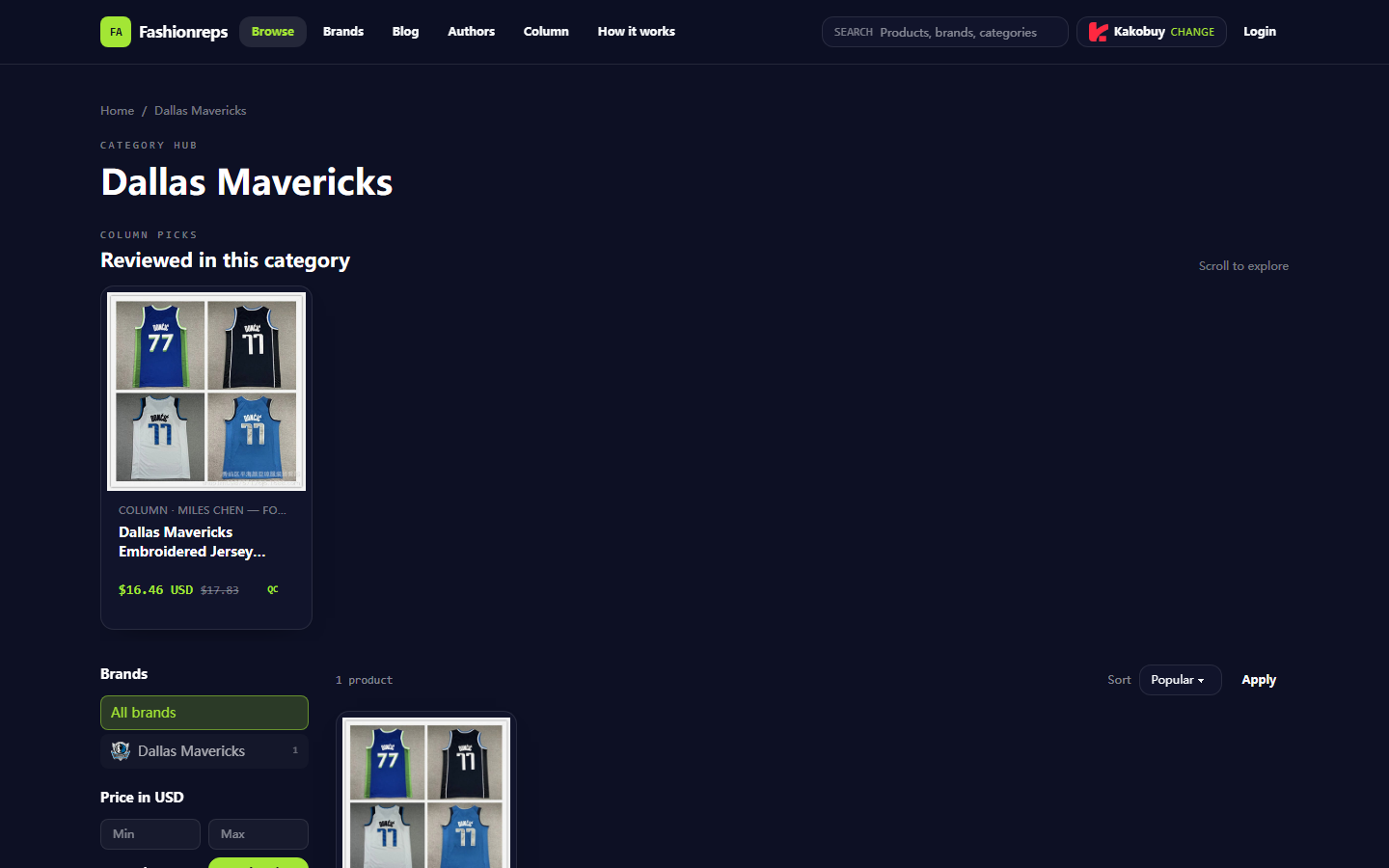
Image: Example of a dallas mavericks jersey product page on fashionreps
Defining the dallas mavericks Jersey Logistics Status Verification Task
First, write the problem as a verifiable task: confirm which order this jersey belongs to, who generated the current tracking number, who recorded the most recent status, and whether the status has remained unchanged beyond the range that typically requires manual review for this shipping route.
Don't jump to conclusions based solely on "no changes for a few days." Logistics tracking can go through stages like warehouse handoff waiting, carrier first scan, export processing, transit, destination country entry, and final delivery. Update frequencies vary across stages; no new updates on the page doesn't mean the package is lost or shipping has failed. 📦
Keep the following minimum evidence when verifying:
- Product name or style description
- Order number or order identifier within the agent platform
- Size and quantity purchased
- Tracking number
- Most recent status text
- Most recent update time and displayed time zone
- Any abnormal alerts shown on the tracking page
- Whether personal information in screenshots is obscured
Do not publicly share complete orders, passports, payment cards, addresses, phone numbers, or full shipping labels. When providing evidence to customer service, keep only the information necessary to resolve the issue.
Confirming Style, Size, and Order Identifier from fashionreps Product Page and Order Records
The fashionreps product page can help you confirm whether the item you found is indeed a dallas mavericks jersey, as well as the publicly displayed style, color, or size range. It alone cannot prove that a particular item has been purchased, arrived at the warehouse, or been handed to the carrier.
First, go back to your actual shopping agent's order page and compare item by item:
- Is the product name the same as the item you found?
- Are the color, style, and size the same?
- Is the quantity the same?
- Has the order been paid for?
- Has the order arrived at the warehouse or completed warehouse processing?
- Has an international tracking number been generated?
- Does the tracking number correspond to this package, not another order?
If the order page still shows pending payment, pending warehouse arrival, pending consolidation, or waiting for shipment, do not treat it as a "stalled update" in international transit. Address the order stage first, rather than repeatedly refreshing the carrier's page.
The reference price on the product page cannot replace the actual order amount, agent service fees, international shipping costs, taxes, or other additional charges. When it comes to costs, rely on the visible records on the order and payment pages, and note the verification date and currency.
Distinguishing Warehouse Processing, Carrier Handoff, and International Transit Status
A lack of tracking updates often has different causes. First determine at which level the package is stuck to decide whom to contact.
| Page display or evidence | Closer stage | Next verification focus |
|---|---|---|
| Paid but no warehouse arrival record | Before warehouse processing | Check agent order status and warehouse arrival records |
| Arrived at warehouse but no departure or waybill | Warehouse processing or shipping route selection | Verify consolidation, weighing, payment, and departure conditions |
| Tracking number generated but no carrier first scan | Awaiting handoff or system not synced | Check number format, generation time, and agent instructions |
| Shows receipt, transit, or export node | International transit stage | Compare carrier pages, update times, and route |
| Shows customs, address, or delivery exception | Requires manual handling | Save exception text and contact agent or carrier |
Status names may come from agent systems, carrier systems, or route aggregation pages. The same tracking number may show different text on different pages, so record the original status and page source, and do not translate vague statuses into "arrived" or "cleared customs" yourself. 🔎
Checking Order Page, Tracking Number, Route Page, and Update Time in Sequence
It's recommended to check in a fixed order to reduce redundant queries and misjudgments.
Step 1: Open the shopping agent's order page. Confirm that this jersey is not part of a canceled, refunded, split, or regenerated waybill order, and record the order status, package number, and most recent update time.
Step 2: Copy the tracking number. Check for spaces, case errors, extra characters at the beginning or end, or mistakenly using the agent order number as the carrier tracking number. Do not guess or replace characters, and do not mix tracking numbers from multiple packages.
Step 3: Go to the logistics tracking link provided by the agent. Record the original status, most recent update time, route name, and whether any exceptions are displayed. If the page requires re-login, first make sure you are logging into the correct account; do not repeatedly submit payments or recreate packages just for testing.
Step 4: Use the carrier's official tracking page to check the same tracking number. If the carrier's page has no record at all, while the agent's page shows it as shipped, save screenshots and times from both sides and submit them to the agent for handoff verification.
Step 5: Record the time zone. The agent page may use the platform's time zone; the carrier page may use the scan location or server time zone. Comparing only dates without time zones can easily lead to misjudging a difference of less than a day as a long stall.
Step 6: Check whether the page indicates address errors, route restrictions, missing customs documentation, failed recipient contact, package return, or required supplementary documents. If a clear exception appears, stop refreshing repeatedly and turn to manual support. ⏱️
Checking Status Duration, Time Zone, and Page Exception Information
It's recommended to build a brief timeline rather than only saving the latest screenshot:
- Order creation time
- Payment or package submission time
- Warehouse arrival time
- Consolidation, weighing, or departure time
- Tracking number generation time
- Carrier first scan time
- Most recent visible node time
- Time zone used for each query
If you only see "tracking number generated" without a carrier scan, it means the package may still be awaiting handoff or system sync. At this point, ask the agent, "Has the tracking number actually been handed to the carrier?" rather than directly asking, "Where is my package?"
If a carrier scan has appeared but no new nodes for a while, continue to differentiate the transit stage. Cross-border shipping may have long update intervals during transit, export processing, and destination handoff. When no new visible nodes appear, the conservative statement should be "the current page shows no new evidence," not "the package is definitely lost."
If the status text contains clear indications like customs clearance, return, incomplete address, no answer, or required supplementary information, it cannot be explained as normal waiting. Save the complete exception text, time, last four digits of the tracking number or identification information allowed by the agent, and contact the appropriate support channel.
Not Interpreting Temporary Lack of Updates as Loss or Shipping Failure
The following practices can easily lead to duplicate operations or additional risks and should be avoided:
- Repurchasing the same jersey just because the page has stalled
- Paying the same shipping fee repeatedly or recreating packages
- Requesting to split, change address, or reship before confirming the original package status
- Treating a single update on the agent page as carrier scan completion
- Interpreting no new nodes as having cleared customs or arrived at destination
- Posting full shipping labels, order numbers, or personal contact information in public forums
- Providing passports, payment cards, or other sensitive information that hasn't been requested to "speed up" processing
If the item is still in the warehouse or agent processing stage, frequently changing logistics operations may disrupt the original package records. First confirm who or what system has the package, then decide if action is needed. 🛑
Submitting Evidence Through Target Site and Carrier Official Support Channels
The fashionreps product page is suitable for confirming the context of the discovered item, but order and logistics issues should be submitted first to the shopping agent that actually processed the order. Carrier official support is suitable for verifying whether the tracking number exists, whether scans have been completed, and which party handles abnormal statuses.
The submission should be short but complete; include:
- Safe excerpt of the order identifier
- The item is a dallas mavericks jersey, noting size and quantity
- Safe excerpt of the tracking number
- Route name
- Most recent status text
- Most recent update time and time zone
- Whether agent page and carrier page are consistent
- The specific question you want confirmed
You can phrase the question as: "Please confirm whether this tracking number has actually been handed to the carrier; if so, check the most recent scan time and current exception; if not, explain which warehouse or departure stage it is still in." This is more likely to get a verifiable reply than simply saying "my package isn't moving."
After customer service replies, don't just accept a verbal conclusion. Ask them to clearly state the order stage, tracking number status, what information the user needs to provide, and the next update time. When involving additional payments, address changes, reshipment, or splitting, save the original order and customer service records first, then decide whether to agree.
Checklist for Continuing to Wait, Requesting Verification, or Pausing Actions for dallas mavericks Jersey
Situations where you can continue waiting:
- Order and tracking number match
- Most recent node shows no clear exception
- Carrier page can recognize the tracking number
- Page simply has no new scan records temporarily
- Agent has not required immediate additional information or payment
Situations where you should request verification:
- Agent shows shipped, but carrier has no first scan for a long time
- Tracking numbers, routes, or update times are inconsistent between pages
- Status shows customs, address, return, or documentation supplement prompts
- Logistics node has stalled for a long time and exceeds the agent's stated normal processing range for that route
- Agent cannot explain whether the package has actually completed handoff
Situations where you should pause further actions:
- Cannot confirm which package the tracking number corresponds to
- Order may have been duplicated or paid twice
- Need to split, change address, or reship before verifying the original package
- Page requires submitting sensitive information beyond what is necessary
- Customer service asks to bypass normal order records for payment or processing
Whether to wait, request verification, or pause does not depend on the product name "dallas mavericks jersey" itself, but on whether the order records, tracking number, timeline, and official pages corroborate each other. For buyers, the cost of waiting is delayed receipt; the risk of premature reshipment or duplicate payment may lead to extra shipping costs, duplicate packages, and even harder-to-confirm responsibility boundaries. Therefore, when evidence is insufficient, first keep the original order, record the verification time, and then proceed to the next step.
About Daniel Foster
Kakobuy and Yupoo agent workflows, replica-apparel quality control, and cross-border shipping logistics.
Daniel Foster is Editor-in-Chief of Kakobuy Yupoo Review, overseeing all reviews and maintaining the testing standards. Coverage includes Kakobuy and Yupoo agent workflows, replica-apparel quality control and cross-border shipping, with both garment use and agent response included in reviews. Daniel wears every apparel item for at least three days before scoring and photographs all tags, stitching and hardware. Agent response times are recorded to the minute, allowing the article to describe both the physical checks and the waiting time within the service process.